Your next thumbnail.
Your creative control.
Start with a video idea or a ready-made template. Shape the headline, choose the look, and finish a thumbnail that feels like yours.
- Explore six AI concept angles from your video brief
- Edit text, fonts, graphics, colors, and layers
- Start with 32 illustrated templates across eight niches
Get your access details by email.
Join the ClickFrame AI list and receive the next steps.
By signing up, you agree to receive ClickFrame AI news and access details from Bell Marketing Innovations LLC. Unsubscribe anytime.
AI features use your own OpenAI API key. OpenAI usage charges and rate limits apply. Templates and manual editing need no AI key.
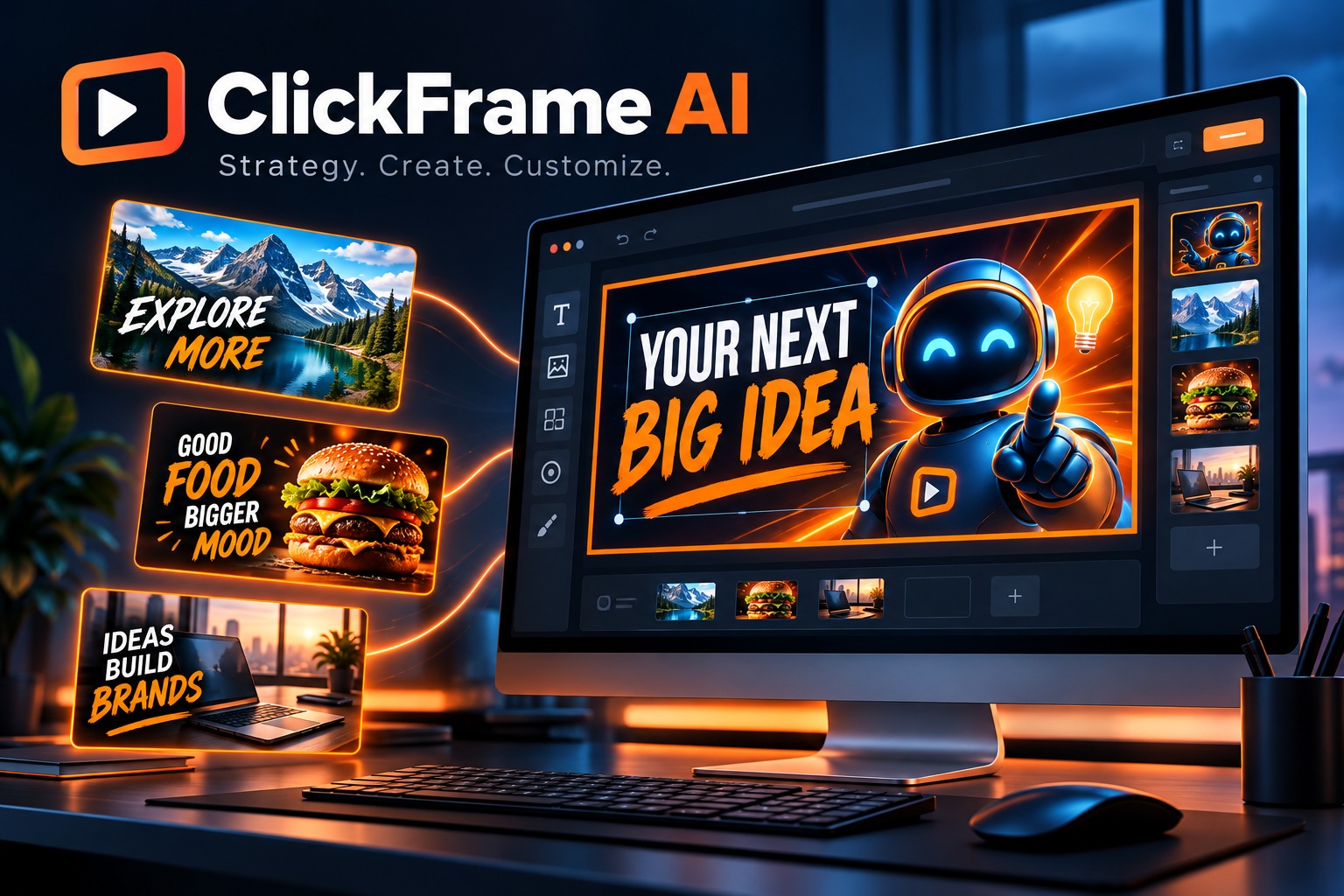
Give your thumbnail a direction.
Then make it your own.
ClickFrame AI brings strategy, artwork, and editable finishing touches into one organized workflow.
A stronger starting point
than a blank prompt.
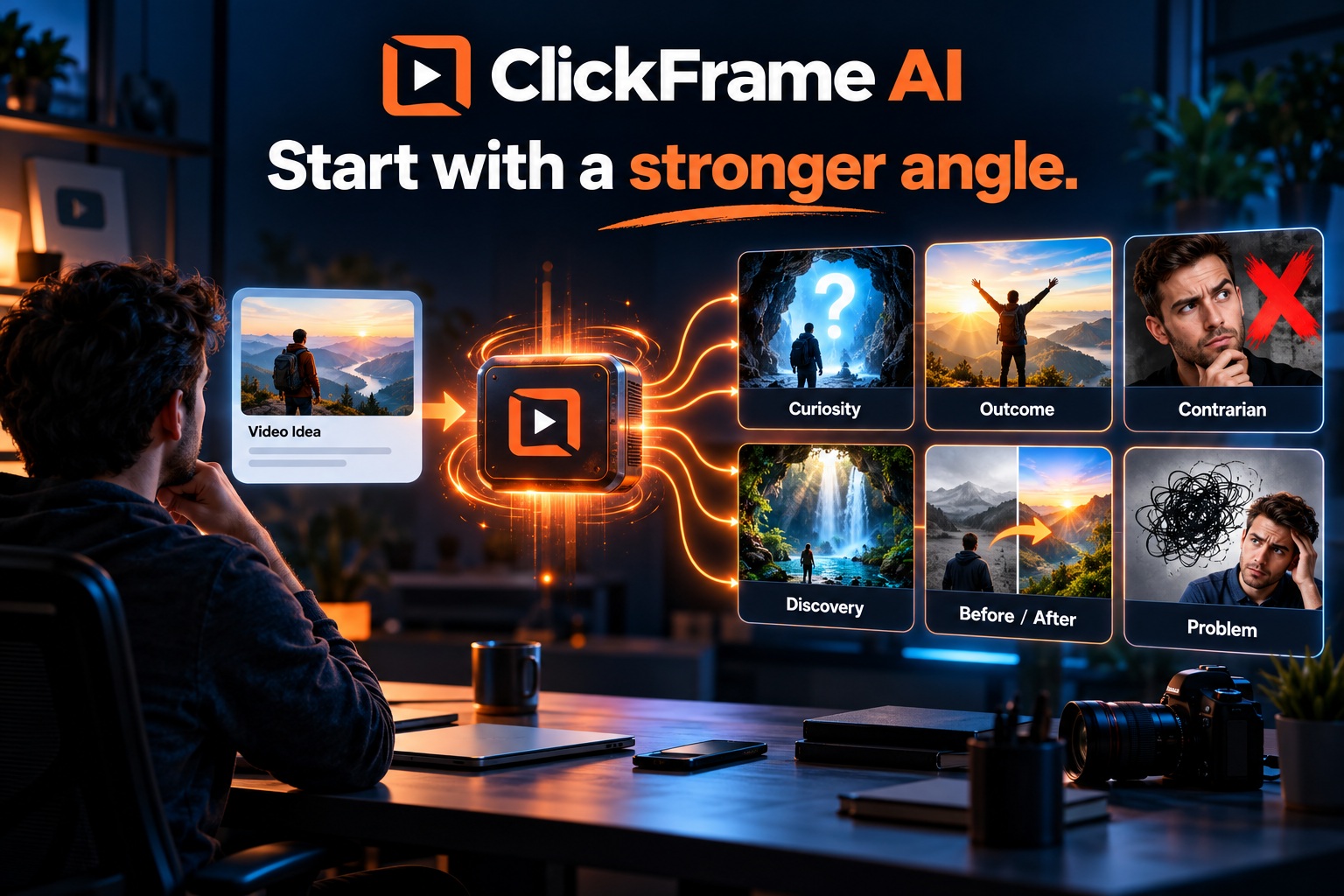
Paste your video brief, script, or transcript. Explore six distinct concept angles, select the one that fits your content, and use it to direct the artwork.
Concepts are creative suggestions. Review claims against your actual video.
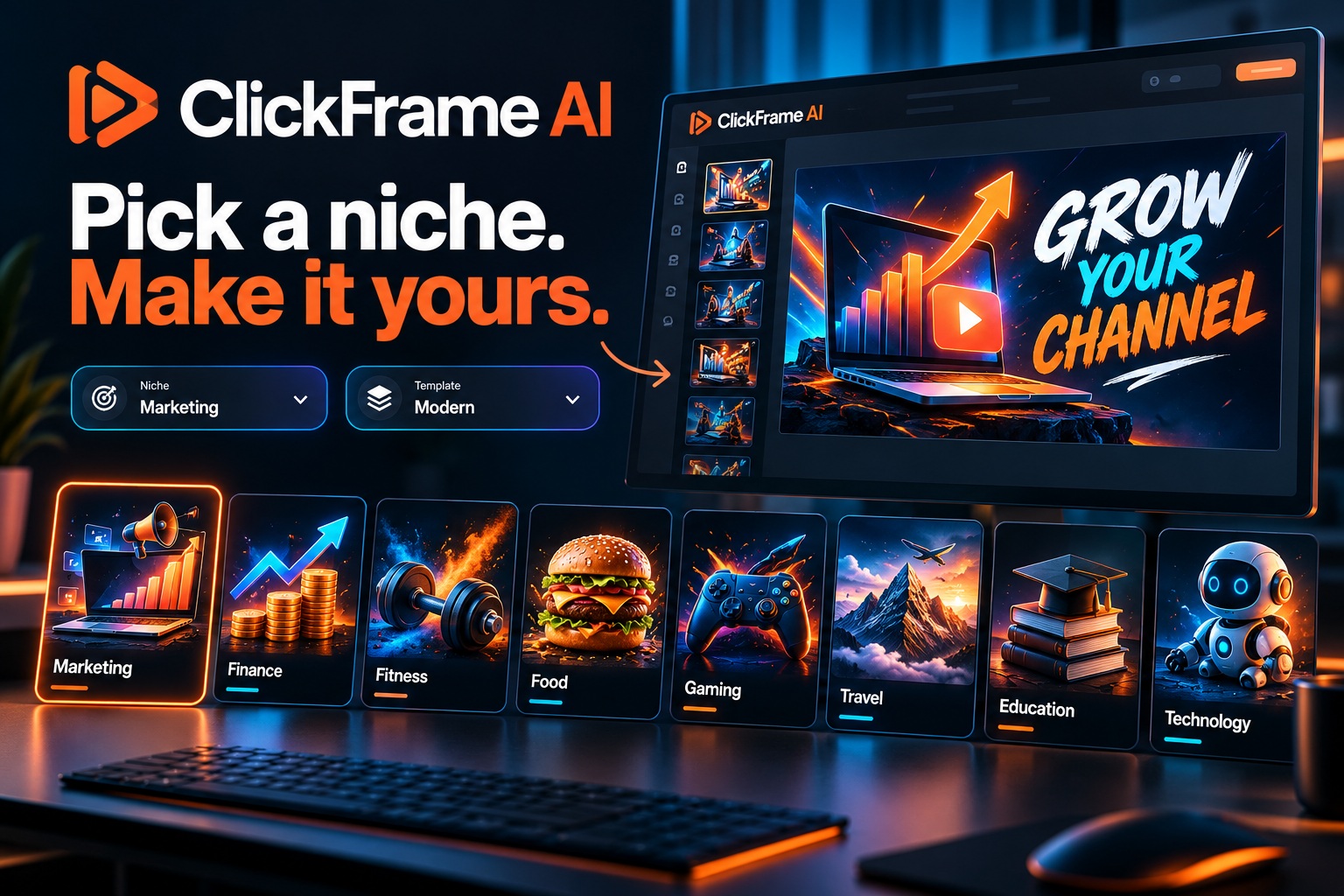
Find your niche.
Skip the blank canvas.
Choose from 32 original illustrated templates, organized by niche and compact dropdowns. Each opens as your own project with editable text, graphics, background colors, and patterns.
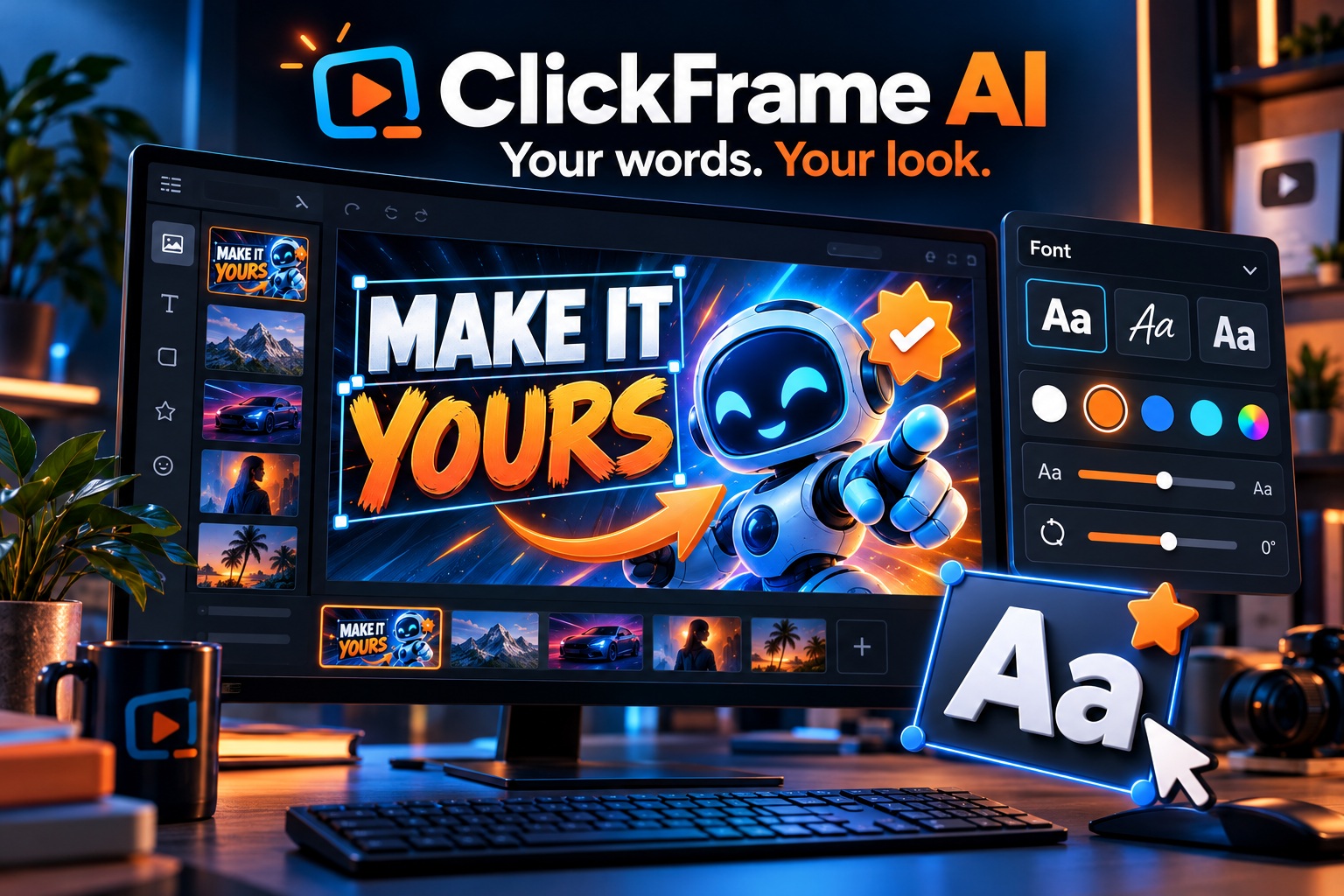
Your words.
Your colors. Your look.
Keep the headline separate from the artwork. Change fonts with a live preview, add badges and icons, move layers, and adjust size, color, outline, shadow, and rotation.
- Landscape and portrait formats
- Feed and small mobile previews
- JPEG, PNG, and WebP exports with a 1 MB cap
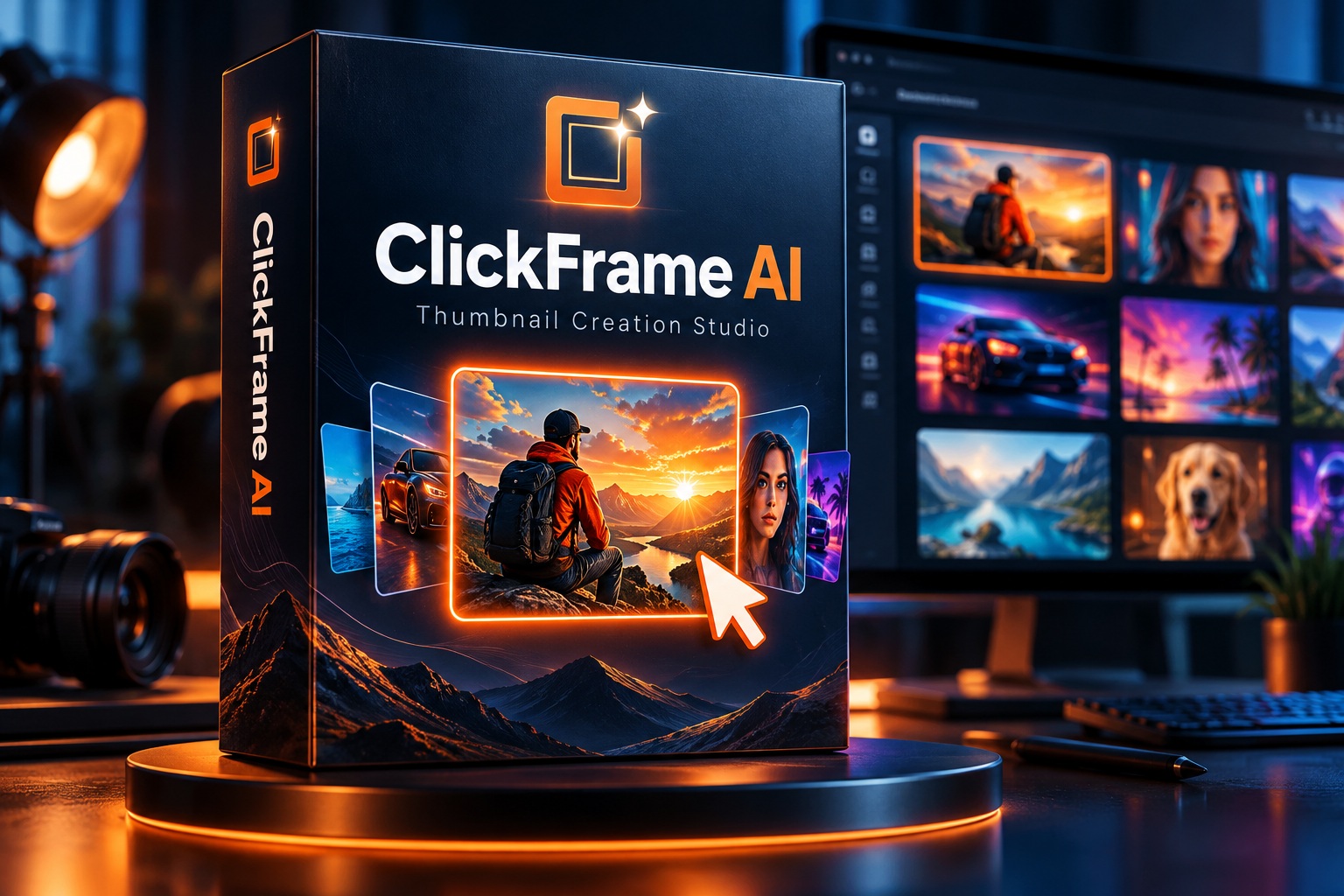
Ready to make
your next frame?
Get the access details and explore the creator studio.
Send Me the Details →Unlimited software rendering with your own API key. OpenAI usage charges and rate limits apply.